Setting up Go
An SDK (Software Development Kit) is a collection of tools that helps developers work in a particular programming environment.
It usually includes libraries, frameworks, documentation, and usage guides.
Download the SDK
Choose a package for your operating system and CPU architecture. The package shown in my old notes is “go1.17.3.windows-arm64.zip”; ARM64 and ordinary x86-64 Windows require different packages.
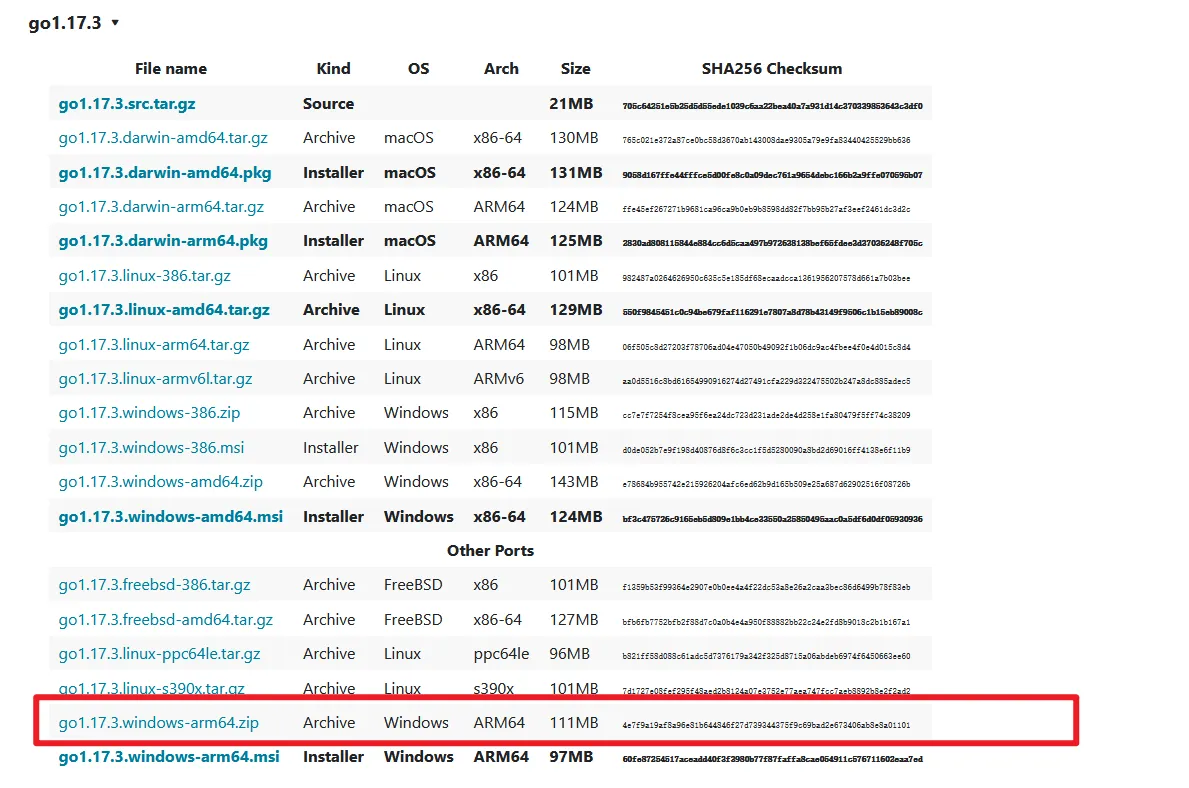
Extract the archive into a suitable directory, such as a folder on drive D. The downloaded archive can then be removed to save space.
The extracted directory looks like this. The important executable is “go.exe” in the bin directory; it compiles and runs our programs.

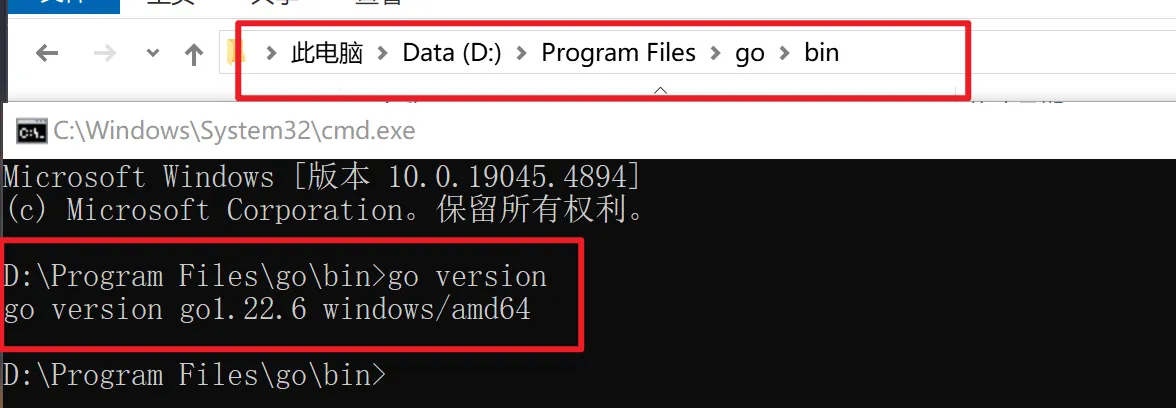
Open the bin directory, enter cmd in the address bar, and press Enter to open a command prompt. Check the Go version:
go versionIf the version is displayed correctly, the installation works.
Configure environment variables
After installation, configure the environment variables.
Right-click This PC and open Properties, then Advanced system settings and Environment Variables.
The following variables are used in this setup:
| Variable | Purpose |
|---|---|
| GOROOT | Go installation directory |
| Path | Location of go.exe |
| GOPATH | Go workspace directory |
Example settings:
GOROOT

Path
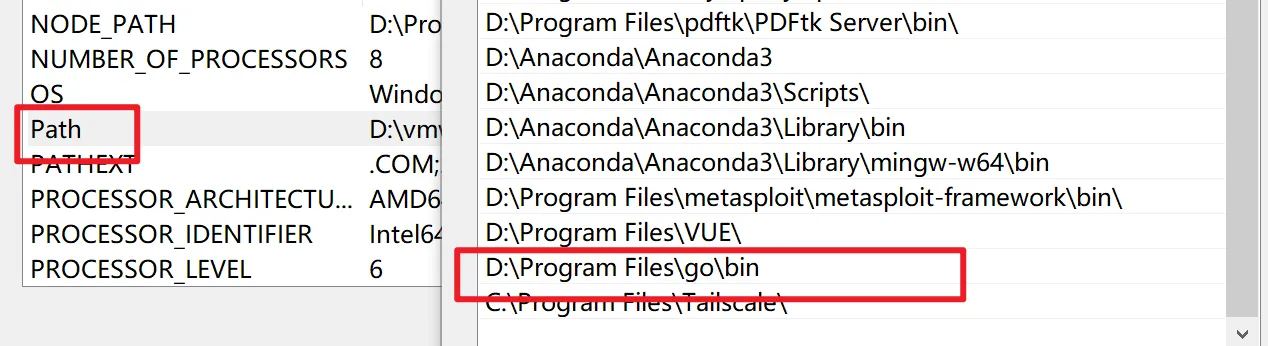
GOPATH

Check the settings: press Win+R, enter cmd, and run the version command.
go version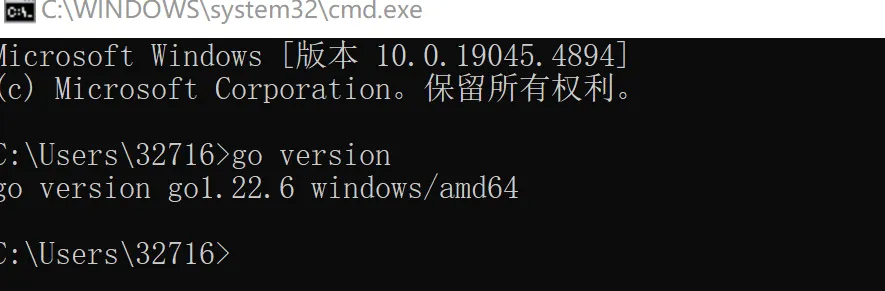 If the version is displayed correctly, the environment settings work.
Configure the IDE
Here I use VS Code. Install the required extensions from its marketplace; these are the ones shown in the original setup:
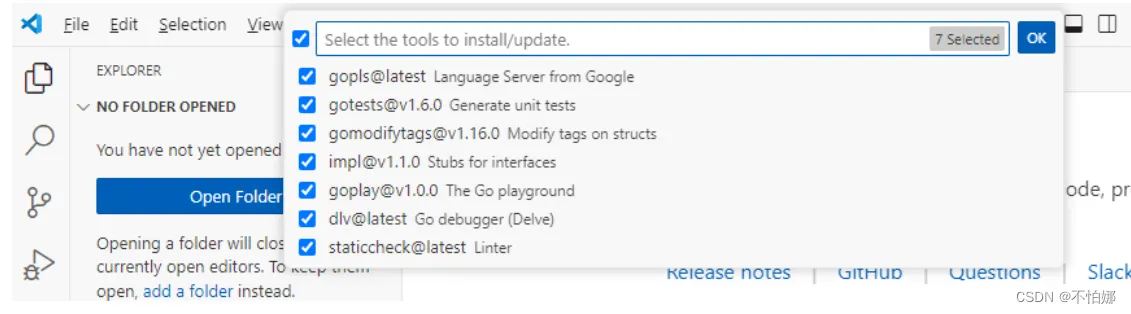
Press Ctrl+Shift+P, enter “Go: Install/Update Tools”, and select the command to install the tools.