g: a Go version manager
While working on Go projects, I found that different repositories needed different Go versions. Since I mostly use Python for experiments, I wondered whether Go had similar environment tools. It does: gvm, g, and others. I chose g. The guides I found skipped some beginner details, so I wrote down my own setup.
Step 1: download and install g
Download
I use Windows 11 and install the precompiled release.
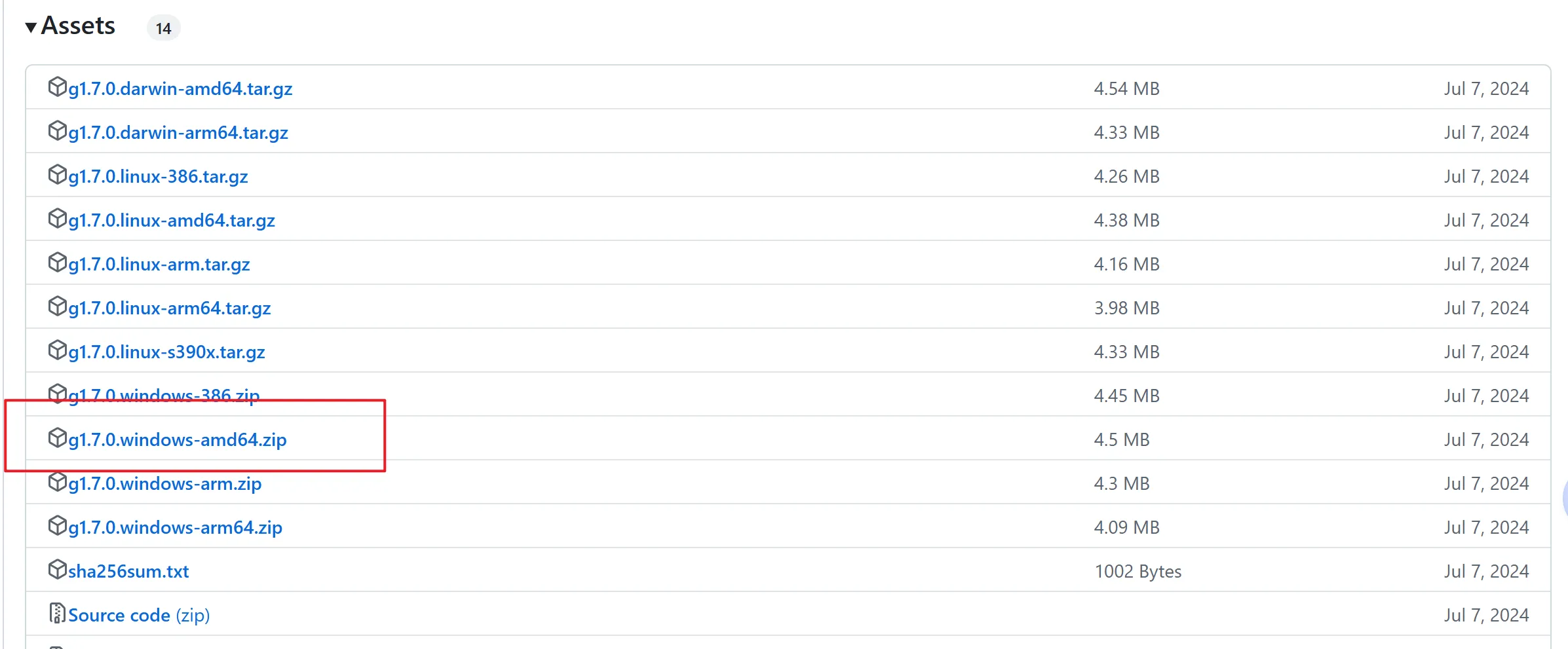
Download g: release page
At the time of this setup, I chose version 1.7.0. Other releases are listed here: version tags
For 64-bit x86 Windows, choose g1.7.0.windows-amd64 and extract it.
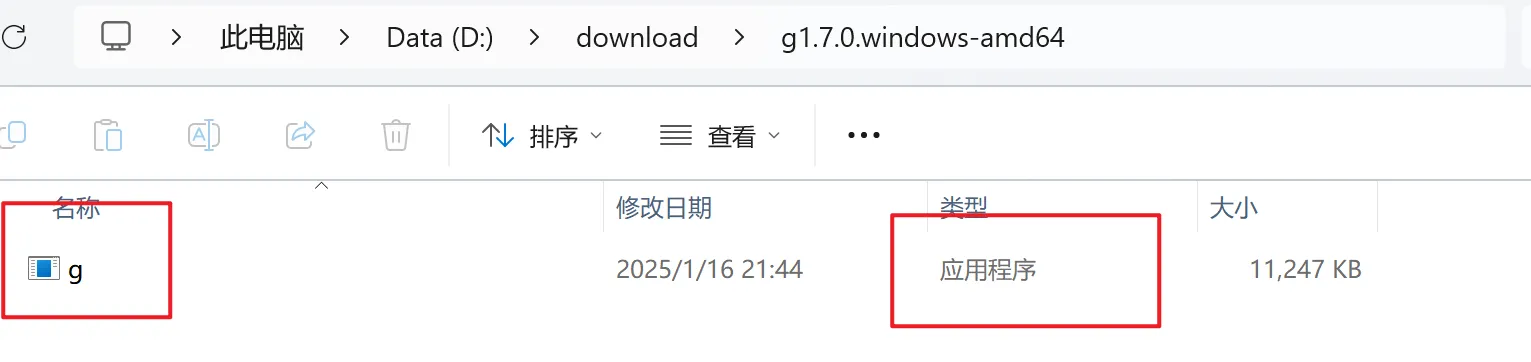
The archive contains a precompiled application named g, which is the version manager we will use.
Configure environment variables
The environment settings were the trickiest part of this installation.
If you previously installed Go and configured its paths, remove or adjust the conflicting entries first.
The original setup records the following environment settings. Check the selected release’s documentation when configuring your own installation.
| Variable | Path | Purpose |
|---|---|---|
| G_HOME | C:\Users\lier.g | Downloaded Go packages and installations |
| GOPATH | %G_HOME%\go | Path recorded in this setup; confirm GOPATH and GOROOT separately |
| Path | D:\go-env | Directory containing g.exe |
| Path | %GOROOT%\bin | Directory containing go.exe |
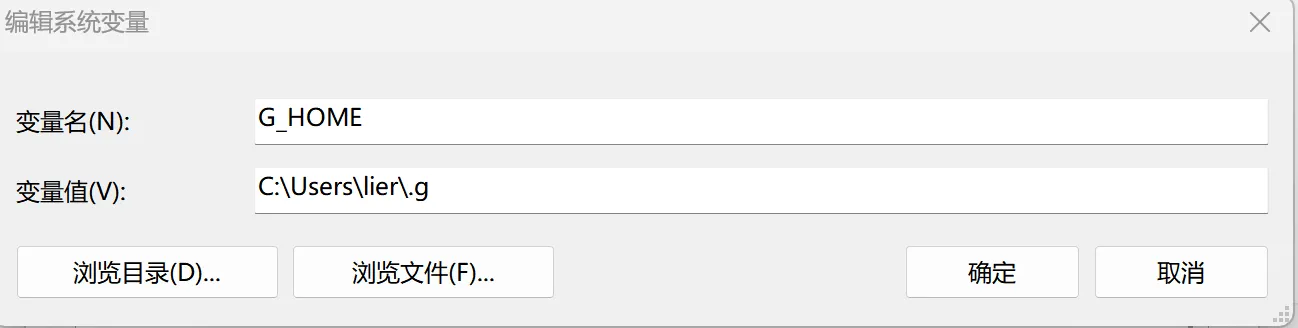
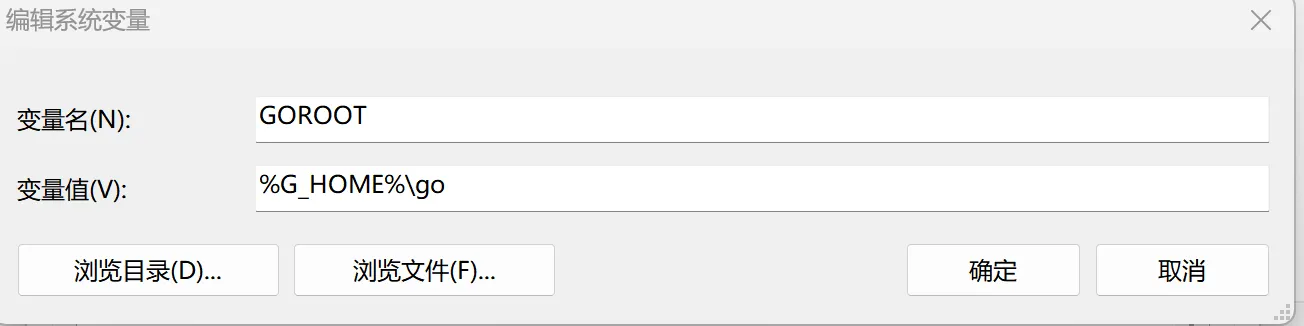
Adjust these paths for your machine:
Replace lier with your username. Put g.exe in the directory you configured.
Step 2: use g
Check the installation
You can use cmd or power shell for these commands.
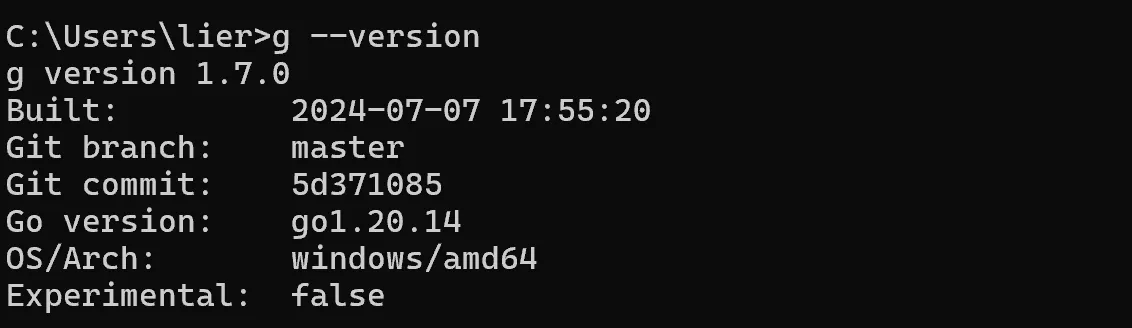
Open a new command prompt, enter g —version, and inspect the output.
g commands
1、g ls-remote stable
List available stable Go releases.
2、g ls-remote
List all available Go releases.
3. g install VERSION
Install the specified Go version.
4、g ls
List installed Go versions.
5. g use VERSION
Switch to another installed Go version.
6. g uninstall VERSION
Remove an installed Go version.
7、g clean
Clear the downloaded Go package cache.
8、g —version
Show the g version.
9、g self update
Update g itself; this feature requires version 1.5.0 or later.
10、g self uninstall
Uninstall g itself.
Wrapping up
These steps cover the basic installation and use of g for managing Go versions.
Thanks for reading!