This article records the DataWhale micro-learning course “Building a RAG retrieval system from scratch”.
A quick plug for DataWhale’s learning content: you can follow the DataWhale WeChat official account and pick the content you like.
The original author’s WeChat official account: Building a RAG retrieval system from scratch: BM25 makes retrieval blazing fast GitHub repository: XiaokeAILabs
The focus of this article is to understand the basics of RAG retrieval and to run the author’s code to test how the tool performs.
1. RAG and related basic concepts
1.1 What is RAG
RAG (Retrieval-Augmented Generation) is a technique that combines retrieval and natural language generation, aiming to improve the performance and results of generative models. The basic idea of RAG is to include the retrieved relevant information in the input of the generative model at the same time, thereby improving the generation quality and accuracy of the model.
I recall that I previously used Langchain together with the ChatGLM3-6B model to build an intelligent vulnerability QA system. What I used was probably RAG, though I did not understand these concepts at the time.
Kimi, Doubao, and DeepSeek with its web-access feature, as used in daily life, have probably all applied this technique, though their implementation principles and algorithms are likely more complex, and the implementation details may also differ.
1.2 The basic RAG workflow
The basic RAG workflow is fairly simple and can be divided into two stages:
- Indexing stage: preprocess and store the document data, and build the retrieval index
- Query stage: receive the user’s query, retrieve the relevant documents, take the document information as input to the generative model, and generate the corresponding answer
1.3 Core components of a RAG system
To implement a complete RAG process, you need to upload and process additional documents and data, which may be text, images, audio, video, and so on. Then you need to process this data, for example tokenizing the text, removing stop words, vectorizing it…
After that, you need to build the retrieval index. This step can use many algorithms, such as BM25, TF-IDF, vector retrieval, and so on.
Finally there is the generative model: based on the information the user inputs, it retrieves additional data, combines the retrieved information with the user’s query, and generates the final answer through the LLM.
The core parts can be divided into
- Data processing
- Retrieval index
- Generative model
Of course, this is my own summary and it is not accurate.
1.4 The BM25 algorithm
BM25 (Best Matching 25) is a classic information retrieval algorithm. It is an improved version of the Okapi TF-IDF algorithm, intended to address some of the shortcomings of the Okapi TF-IDF algorithm. It is widely used as a ranking function in the field of information retrieval, to estimate the relevance between a document D and a user query Q. BM25 is an improvement built on the probabilistic retrieval framework, and it performs particularly well when handling long documents and short queries. It aims to evaluate the relevance of a set of query terms to a document and to compute a score for each document; that score determines the document’s ranking in the search results. The core idea of BM25 is based on term frequency (TF) and inverse document frequency (IDF), and it also introduces document length information to compute the relevance between document D and query Q. Elasticsearch (ES), a widely used search engine today, has the BM25 algorithm built in for full-text search.
I will not describe the specific formula in detail.
Besides BM25, there are many other retrieval algorithms, such as TF-IDF, vector retrieval, and semantic retrieval.
2. Running a BM25-based RAG retrieval system
2.1 Environment setup
Setting up the environment was a bumpy ride; would running it in a Linux environment be better?
Python version: 3.10+
Environment management tool: conda
Open cmd and create the environment directly with the following command
conda create --name RAG python=3.102.2 Cloning the project locally
The original author’s GitHub repository: XiaokeAILabs
You can clone it locally directly with the following command
git clone https://github.com/li-xiu-qi/XiaokeAILabs.git2.3 Installing dependencies
First go into the xiaoke_doc_assist_by_bm25 folder in the project, then open cmd in that directory
Install the dependencies with the following command
pip install -r requirements.txtAfter installation, create a .env file in the current directory; you can copy the contents from .env.example
Here you need to configure the API for calling the model. I had previously claimed free credits on SiliconFlow, so, like the author, I used SiliconFlow’s API and key
If you use SiliconFlow, simply modify API_KEY=your_api_key
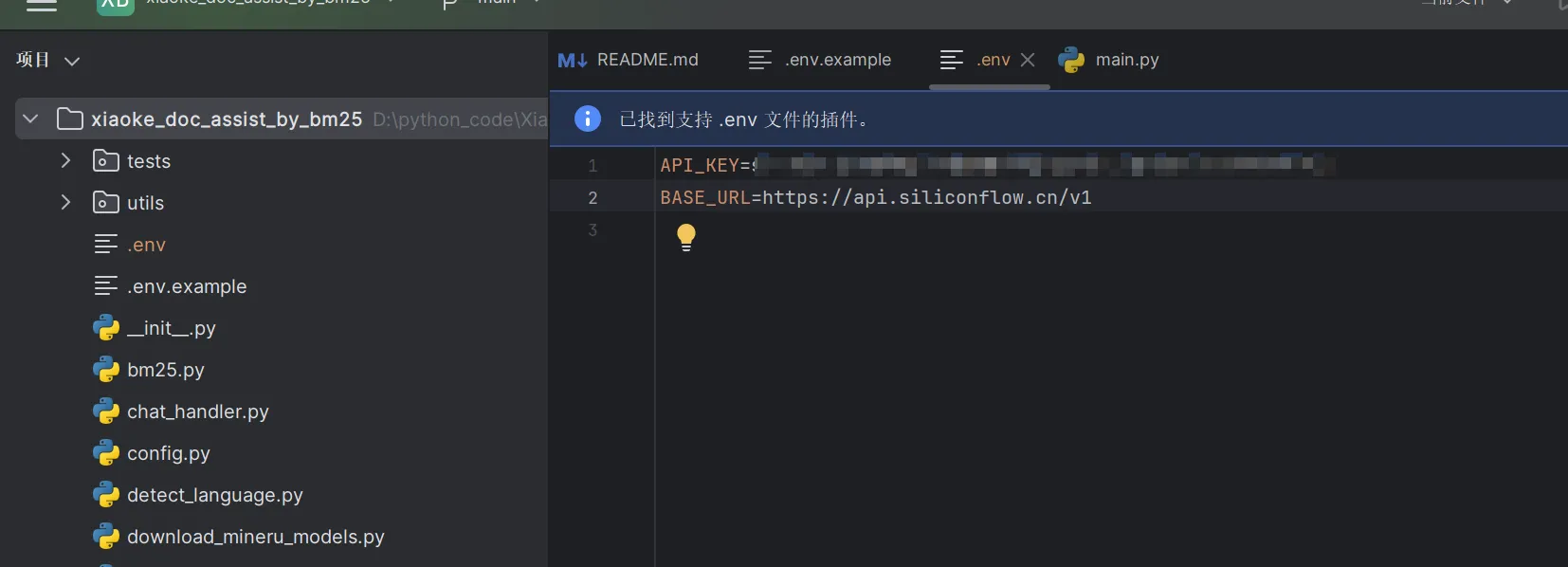
You can also use APIs from other platforms, such as OpenAI, Volcano Engine, and so on; in that case you need to modify API_KEY and BASE_URL
Once that is configured, you also need to download the MinerU model, which is used for high-quality PDF parsing
Use the following command in the current directory; if you have an IDE open, you can also run the Python file directly
python download_mineru_models.py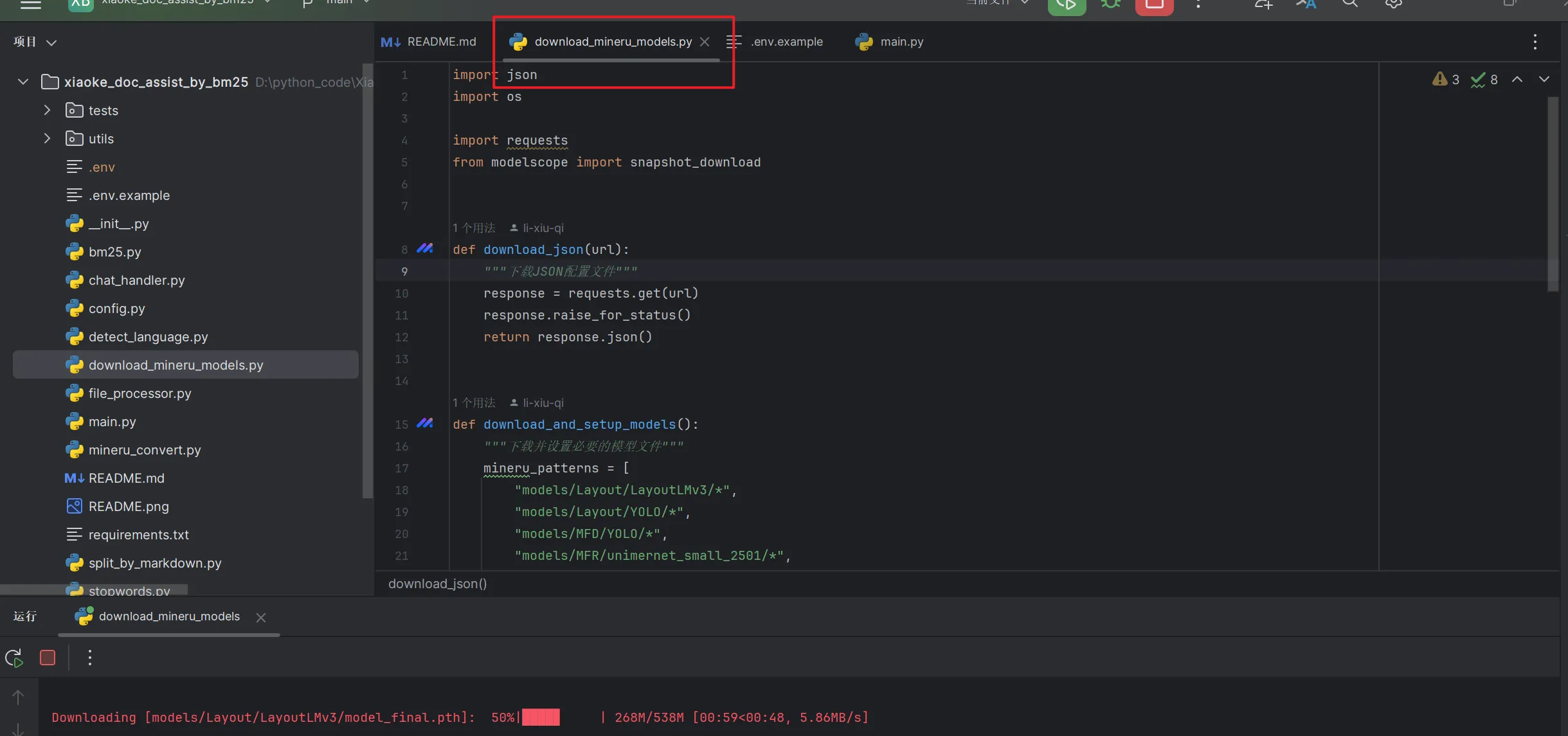
2.4 Running the project
Use the following command in the current directory to run the project
streamlit run main.pyOf course, this was only the beginning. We still had many potential dependencies that were not installed. Since I did not know what to install, I could only run the command to start the project over and over and install according to the error messages, until the project finally started successfully.
In short, install whatever is missing, and eventually it will run successfully.
Here is the journey I went through
- Missing magic-pdf
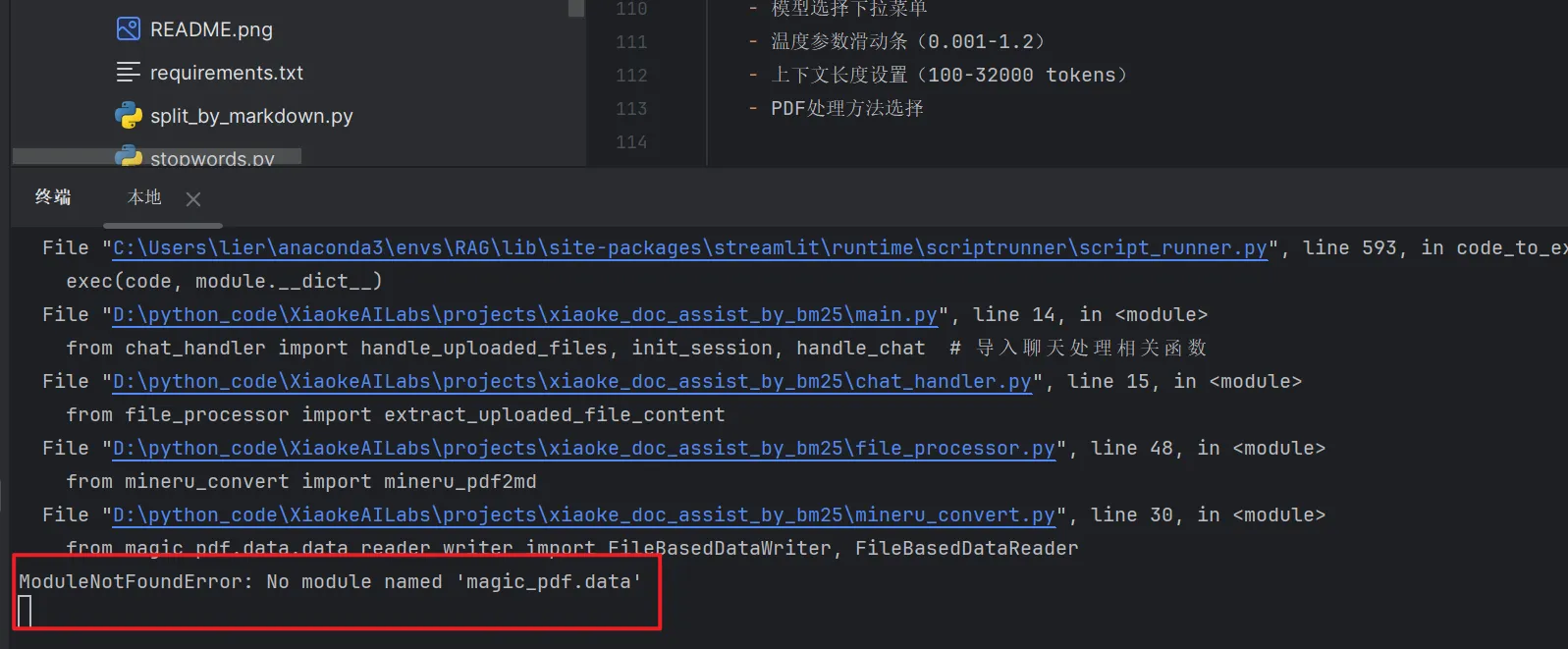
After checking, magic-pdf needed to be upgraded here
Use the command
pip install --upgrade magic-pdf
- Missing paddle
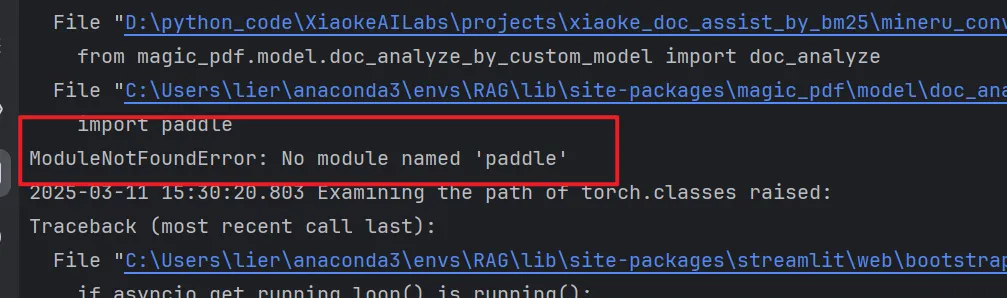
Install paddle
pip install paddleBut it still errored, saying paddle’s dependencies were missing
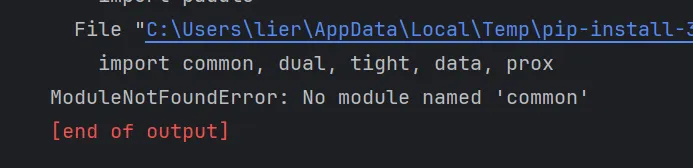
Install the dependencies
pip install common dual tight data proxAfter installing, it still errored
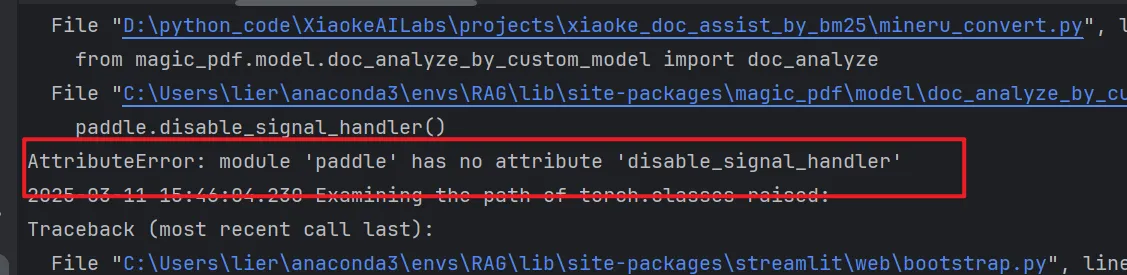
A search showed that paddle was too old, and that paddlepaddle should be upgraded and installed
Install command
pip install --upgrade paddlepaddle- Missing cv2
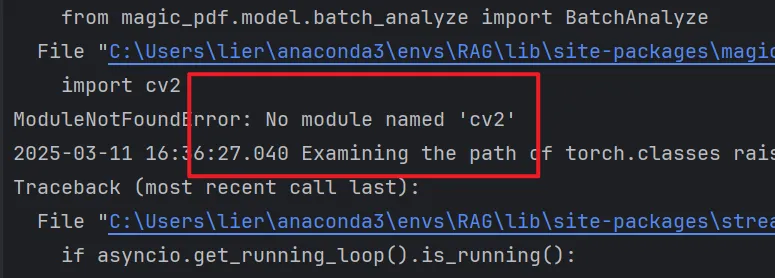
Install the dependency
pip install opencv-python
- Missing ultralytics
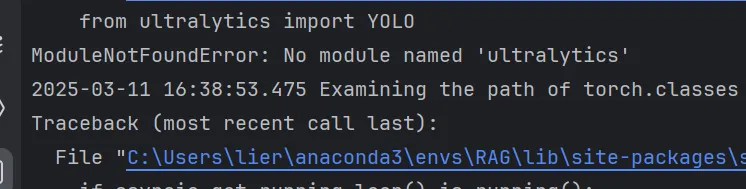
Install the dependency
pip install ultralytics
- Missing doclayout_yolo
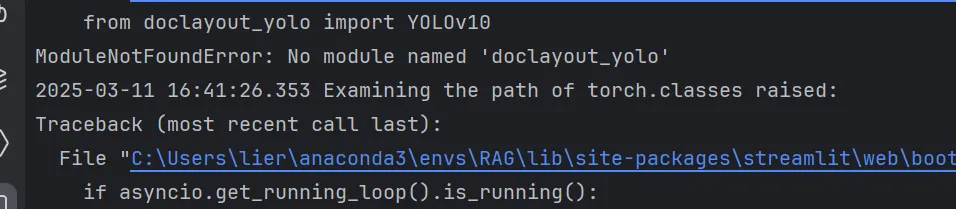
Install the dependency
pip install doclayout_yolo
- Missing pycocotools
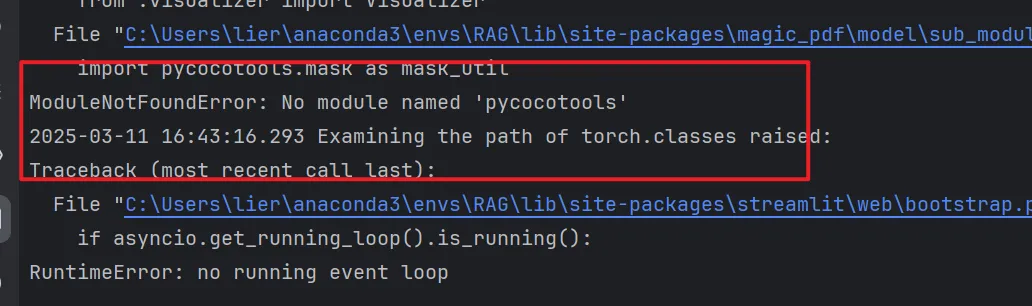
Install the dependency
pip install pycocotools
- Missing detectron2

Install the dependency
For installing this dependency, you can refer to the blog post A full record of installing detectron2 on Windows 11 (including torch installation)
During this process you may get an error about missing ninja
Use the following command to install it
pip install ninjaYou may also get an error asking you to install Microsoft C++ Build Tools; perhaps a C++ compiler is missing?
If you get this error, click the link and just install it; during installation, be sure to check the C++ desktop development part
Once the above two problems are solved, installation should go without problems
- Missing timm
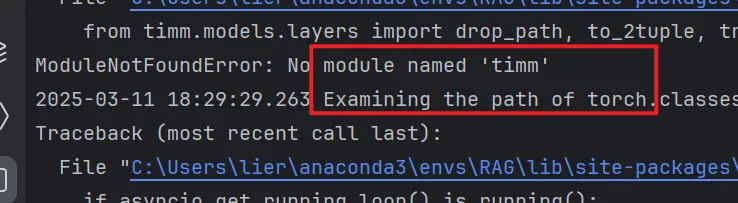
Install the dependency
pip install timm
- Missing unimernet
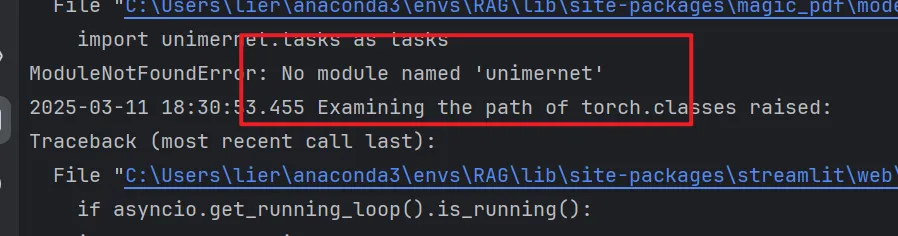
Install the dependency
pip install unimernet
- Missing paddleocr
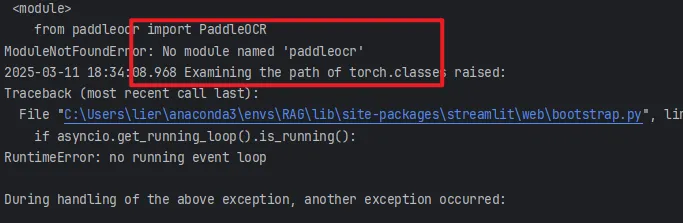
Install the dependency
pip install paddleocr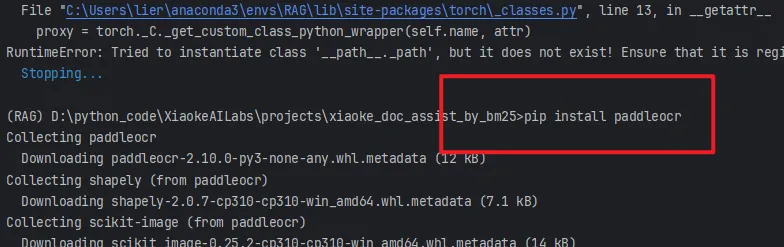
- Missing rapid_table
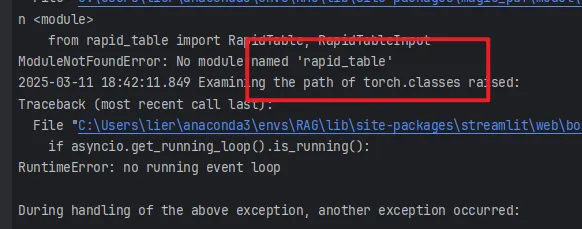
Install the dependency
pip install rapid_table- Missing struct_eqtable
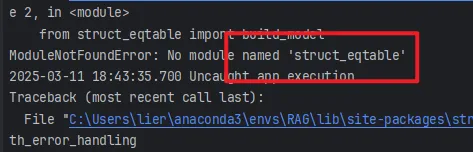
Install the dependency
pip install struct_eqtable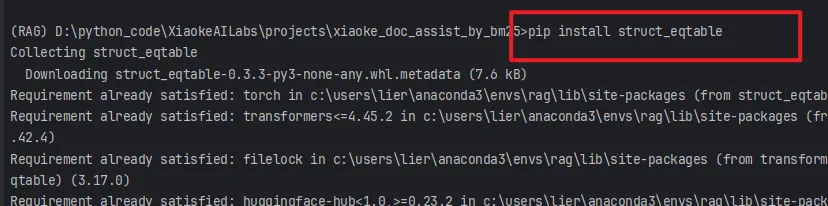
- Missing Stemmer
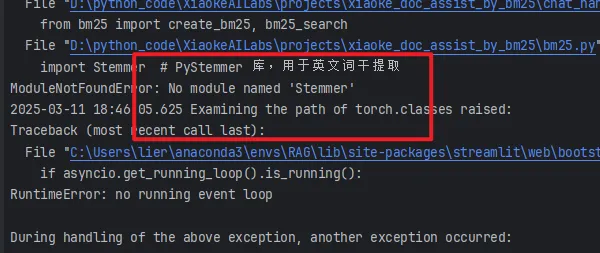
Install the dependency
pip install PyStemmer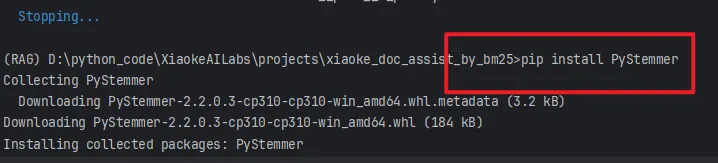
The project should run normally now?
After it was running, I tried to upload a file, and there was one more error asking me to install a dependency
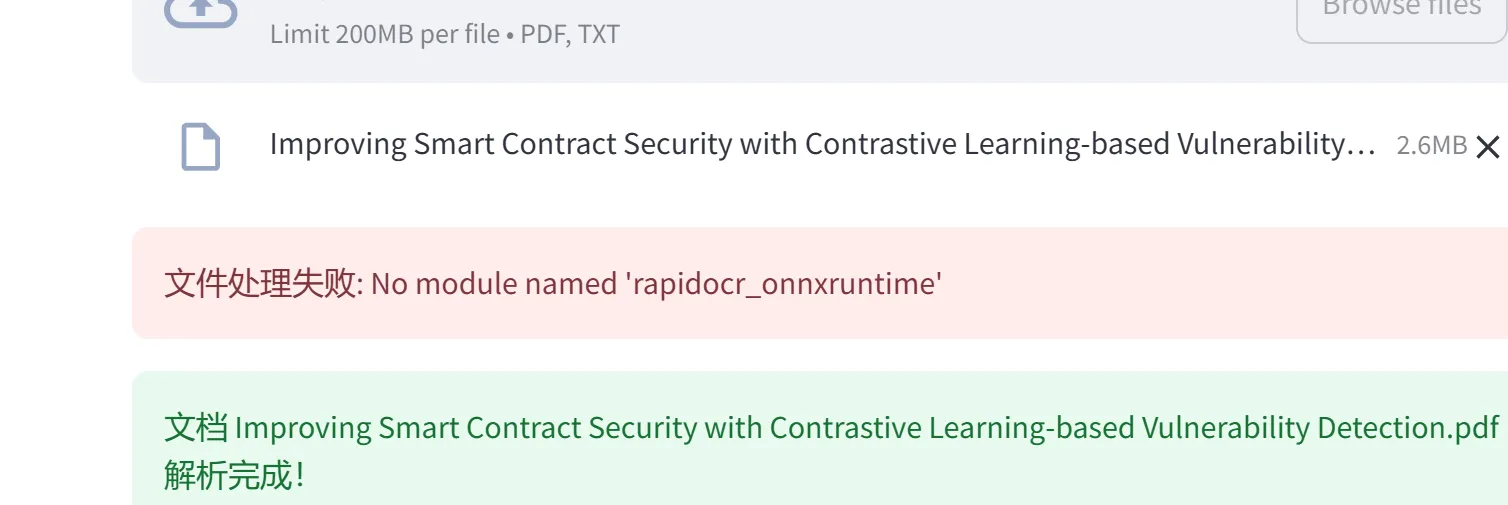
Install the dependency
pip install rapidocr_onnxruntime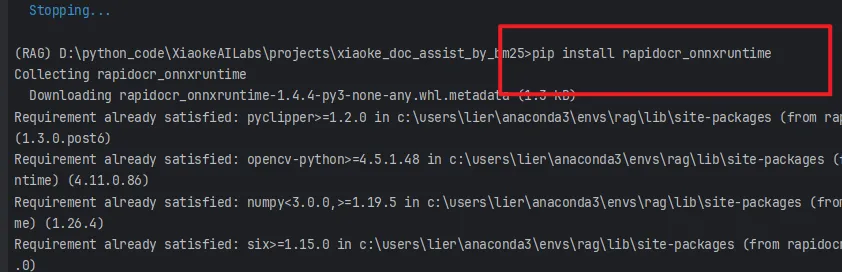
Now it really does run
3. Results
After it was running, I uploaded a paper from my desktop. In testing it parsed successfully, but it could not retrieve the content and feed it to the LLM, and I have not found the reason yet.
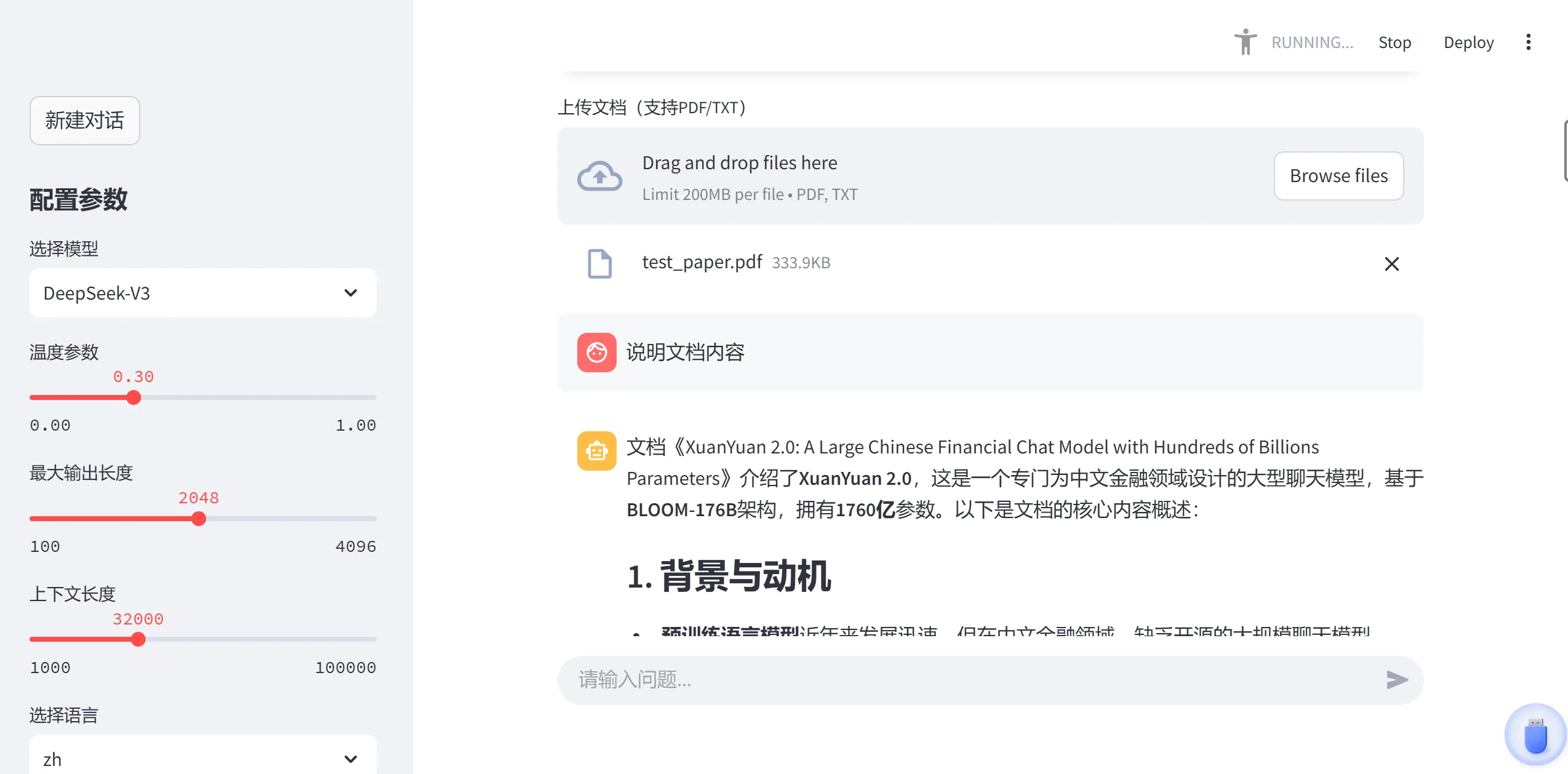
After that I used the test paper provided by the author and found that it ran successfully.
Here is a screenshot:
4. Summary
This is a very simple (though perhaps not that simple) and very interesting RAG retrieval system, and it can serve as a starting point for learning, to understand the basic workflow and principles of RAG retrieval.
In practical applications, the implementation of a RAG retrieval system may be more complex and may need to take more factors into account, such as data processing, the retrieval index, and the generative model.
There are still many problems when running the project now; I will find out the causes later, and perhaps I will build a RAG retrieval system of my own in practice?