1. Packages and modules are different
A package organizes Go source. A module is a group of packages managed by go.mod. One module can contain many packages; each directory does not need its own go.mod. See the official module layout examples for the relationship between directories and import paths.
Ordinary Go files in one directory normally belong to the same package and can use its identifiers directly. External tests may instead use a xxx_test package.main package, main() is the executable entry point.
Here is a minimal project.
hello/
├── go.mod
├── main.go
└── greeting/
    └── greeting.go
Run this from the hello directory:
go mod init example.com/hellogreeting/greeting.go:
package greeting

func Message() string {
	return "hello, Go"
}main.go:
package main

import (
	"example.com/hello/greeting"
	"fmt"
)

func main() {
	fmt.Println(greeting.Message())
}
Run go run . from the project root; it prints hello, Go. Import paths combine the module path with its subdirectories, rather than using a local disk path.
2. Forms of import
After a normal import, access exported identifiers through the package name. Use an alias to resolve a name conflict:
import myjson "encoding/json"Two other forms are:import _ "包路径" executes a package’s initialization for side effects; import . "包路径" brings exported identifiers into the current file’s scope. The latter obscures where names come from and is rarely needed in ordinary application code.
See the complete rules in the Go specification on packages and imports。
3. go.mod and go.sum
go.mod records the module path, required Go version, and dependencies.go.sum stores checksums of downloaded module contents. It is not a traditional lockfile containing all dependency-selection logic.
Both files should normally be committed. For dependency selection and the meaning of each directive, refer to Go Modules Reference.
4. What do the dependency commands do?
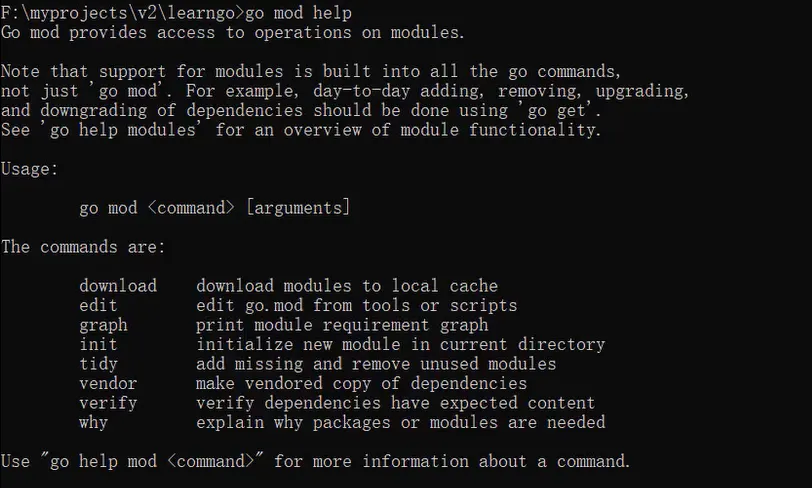
The official dependency management guide distinguishes changing dependencies from installing tools.
| Command | Purpose |
|---|---|
go mod init 模块路径 | Create a module |
go mod tidy | Add and remove dependency records according to source and tests |
go get 包路径@版本 | Change a dependency version in the current module |
go mod download | Download module dependencies |
go list -m all | List the current module’s dependencies |
go mod graph | Show the module dependency graph |
go mod verify | Check whether the local module cache was modified |
go install 工具路径@版本 | Install an executable tool at a specified version |
For CLI tools, normally use go install ...@版本 rather than treating go get as a universal tool installer. After module changes, run go mod tidy and go test ./..., then inspect the diff to avoid accidentally upgrading unrelated dependencies.
5、GOPROXY
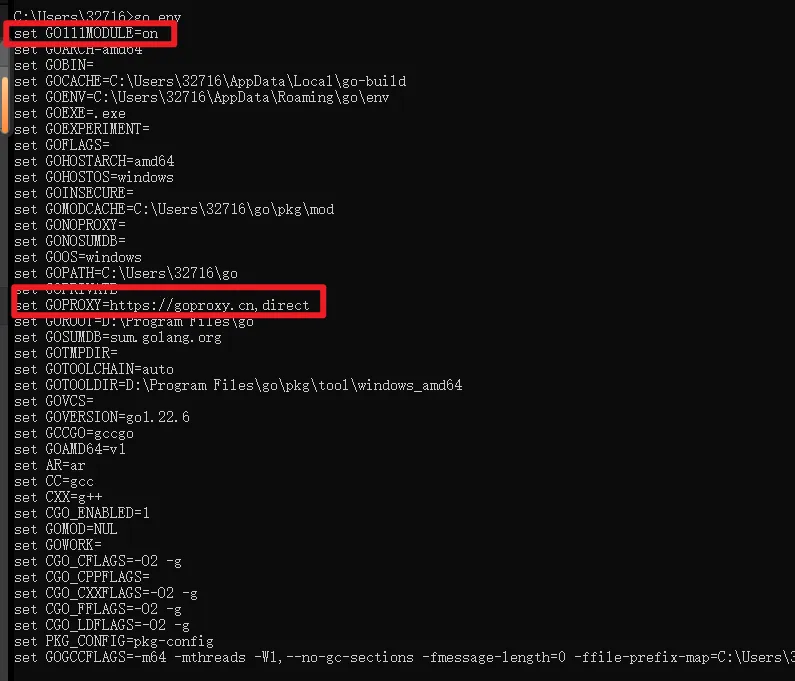
First inspect the current setting:
go env GOPROXYSet it when needed, for example:
go env -w GOPROXY=https://goproxy.cn,directThis changes the Go toolchain’s persistent configuration, not just the current shell. Choose a proxy according to your network and organization’s requirements.
A comma-separated proxy list normally moves to the next source on 404 or 410, rather than on every kind of failure. This matters when diagnosing network issues; see the module download rules。
6. Using replace correctly
replace can substitute a local directory or another version for a module. It is a directive in go.mod; to edit it from the command line, use go mod edit -replace. There is no go mod replace command.
For example, when developing two modules locally:
module example.com/hello

go 1.24

require example.com/common v0.0.0

replace example.com/common => ../common
Or run this from the project directory:
go mod edit -replace=example.com/common=../common
go mod tidy
The replacement directory should itself be a module.replace does not create a dependency by itself. A main module’s local replacement also does not automatically apply to consumers of your library. Check local-path replacements before publishing. See the go.mod replace documentation。
7. Keeping a project clean
Format source with gofmt and run tests before committing. Add only dependencies that are actually needed: every dependency brings version updates and maintenance, not just fewer lines of code.
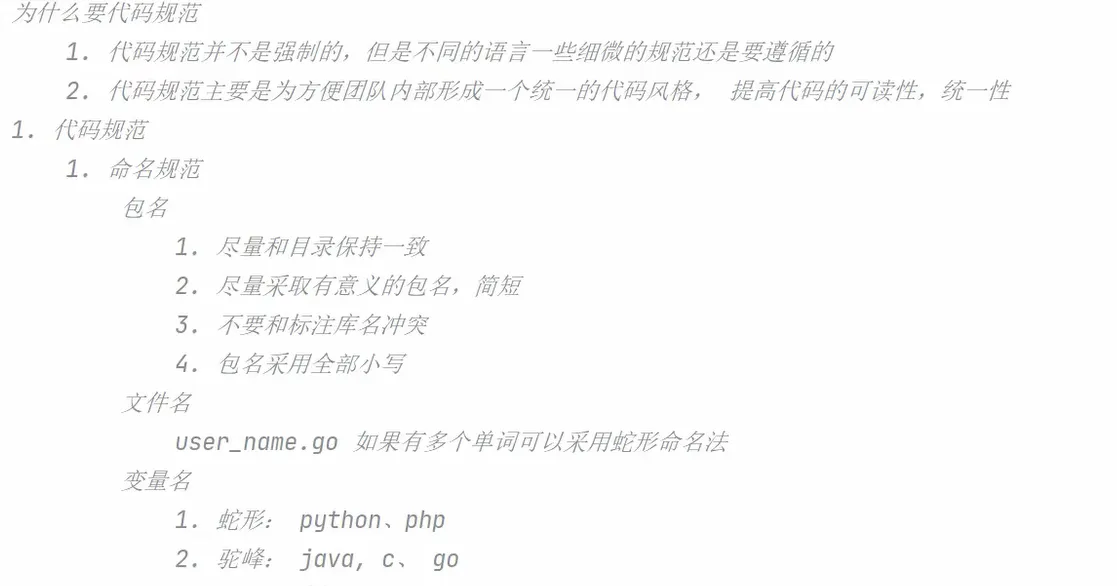
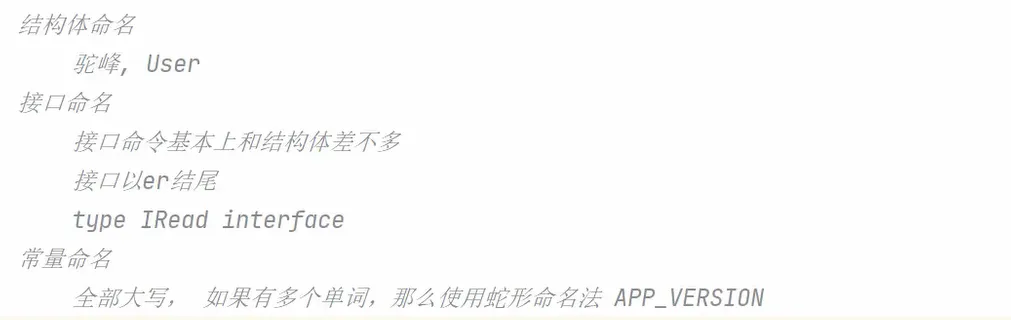
The old style-guide screenshot is retained as a historical record; use official documentation and the current project’s conventions as the authority.